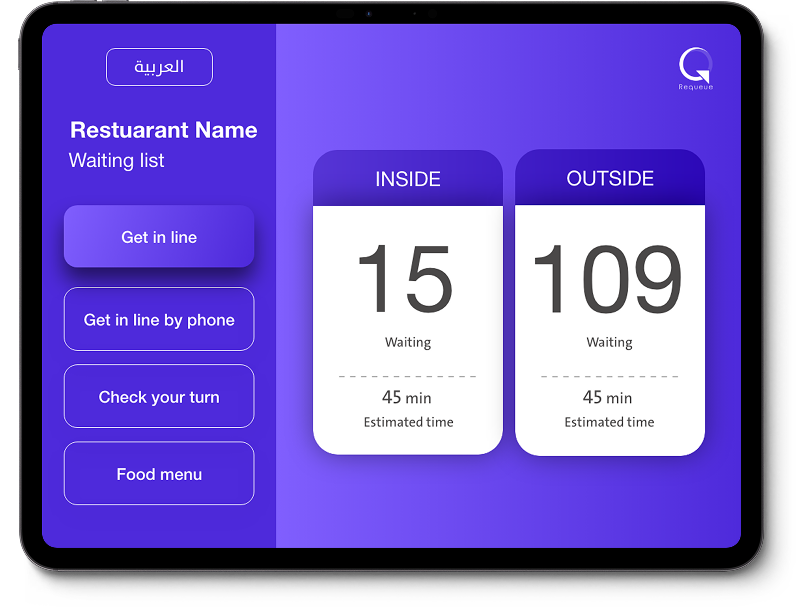
Self Check-In
Walk-in customers can register themselves on the waiting list without asking staff.
Queue Number Assignment
Automatically assigns queue numbers and shows estimated wait time.
Reservation Check-In
Customers with reservations can confirm their arrival at the kiosk.
Wait Status Display
Shows current queue status so walk-ins can see the wait before joining.
No Login Required
Linked to a specific business — no authentication needed for customers.
Fullscreen Mode
Designed to run in fullscreen on tablets for a clean, focused experience.
How KIOSK Works
1
Install at Venue
Place a tablet at your entrance running Requeue KIOSK in fullscreen.
2
Customers Check In
Walk-ins join the queue or confirm their reservation with a few taps.
3
Staff Gets Notified
The HOST dashboard updates in real-time with new check-ins.